
What is VoiceGuide AirLink
VoiceGuide AirLink is an app for real-time audio transmission. The guide speaks and guests listen directly on their smartphones.
Designed for guided tours, meetings, remote lessons and groups, it completely removes the need for radios and external devices.
What you need to know
- No registration is required, neither in the app nor on the website, to protect the privacy of guides, speakers and guests.
- The app works with licenses: each license includes a number of guests and a fixed duration, for example 10 guests for 4 hours.
- An internet connection is required, even minimal, including roaming: data and battery consumption remain very low.
Audio quality
The audio is designed to reduce background noise and keep the voice clear throughout the entire session.
For the best result, we recommend a small microphone for the guide or speaker, and simple earphones or headphones for guests.
Freedom during the session
During the tour or active session, both the guide and the guests can freely use their smartphones to take photos, send messages, emails or use other apps.
VoiceGuide AirLink continues running in the background.
Connection and continuity
- If a guest has no connection, the guide can use their smartphone as a hotspot.
- If the connection drops for the guide or for a guest, the app reconnects automatically as soon as the signal is available again.
How it works for the guide
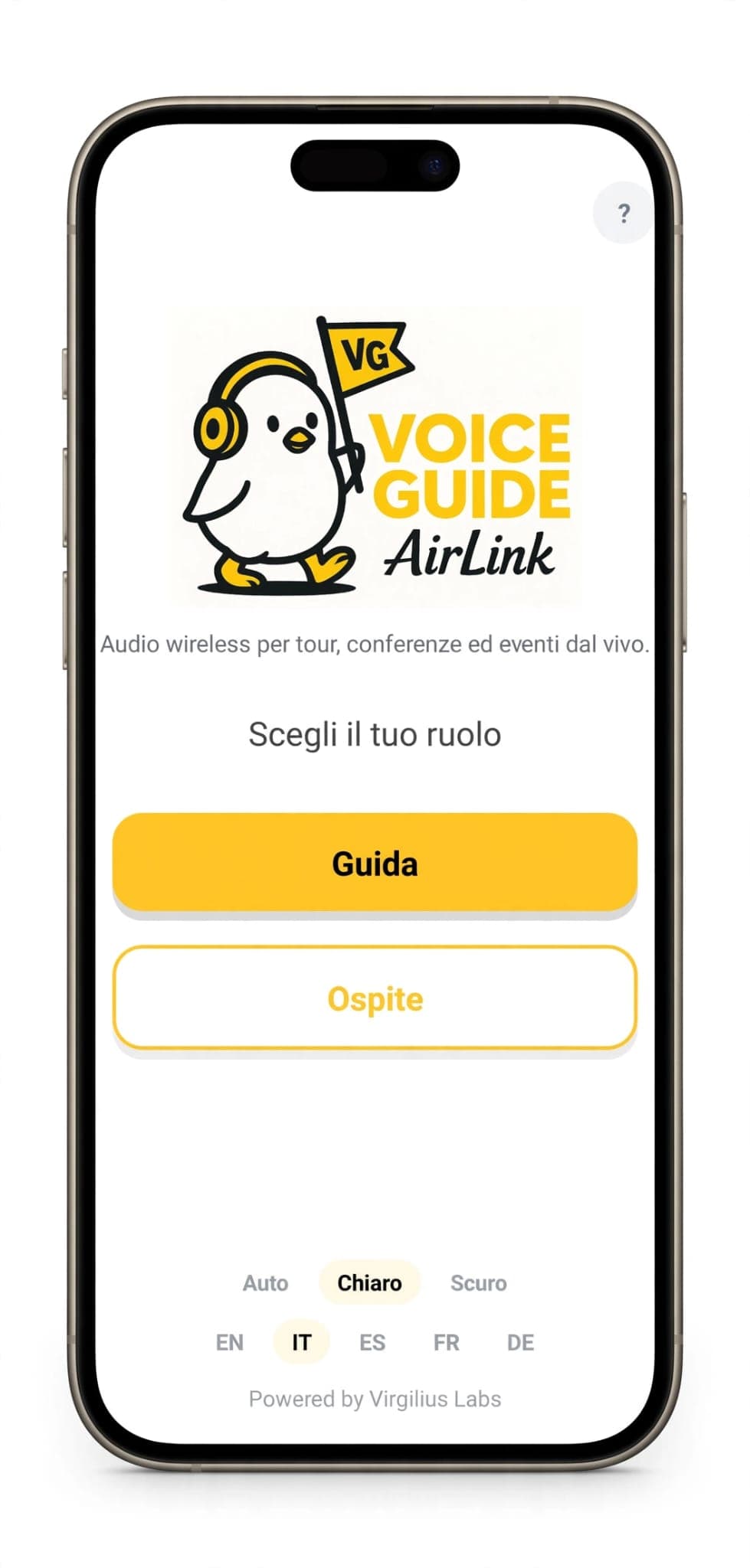
- Access the guide’s dedicated area.
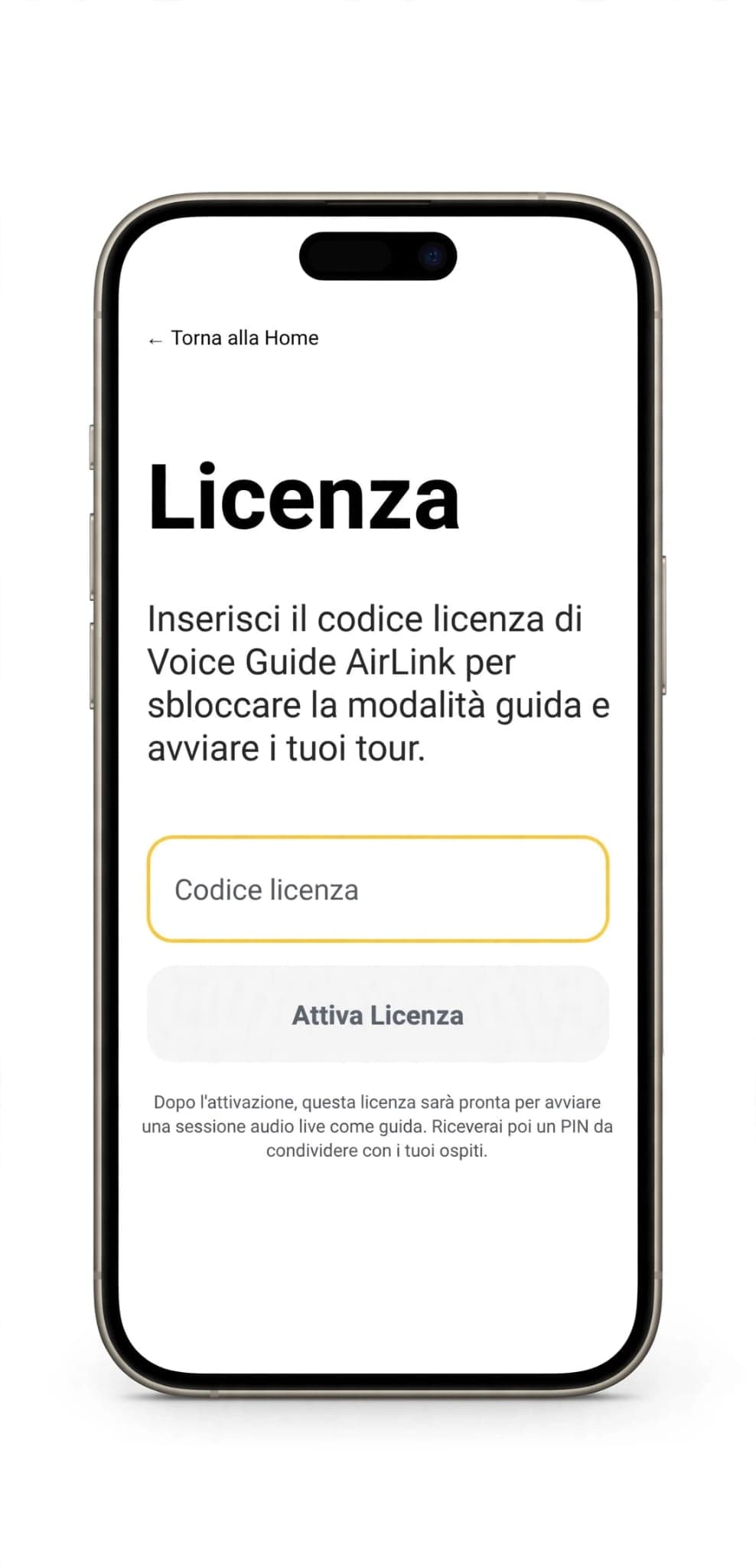
- Enter the license, either trial or purchased.
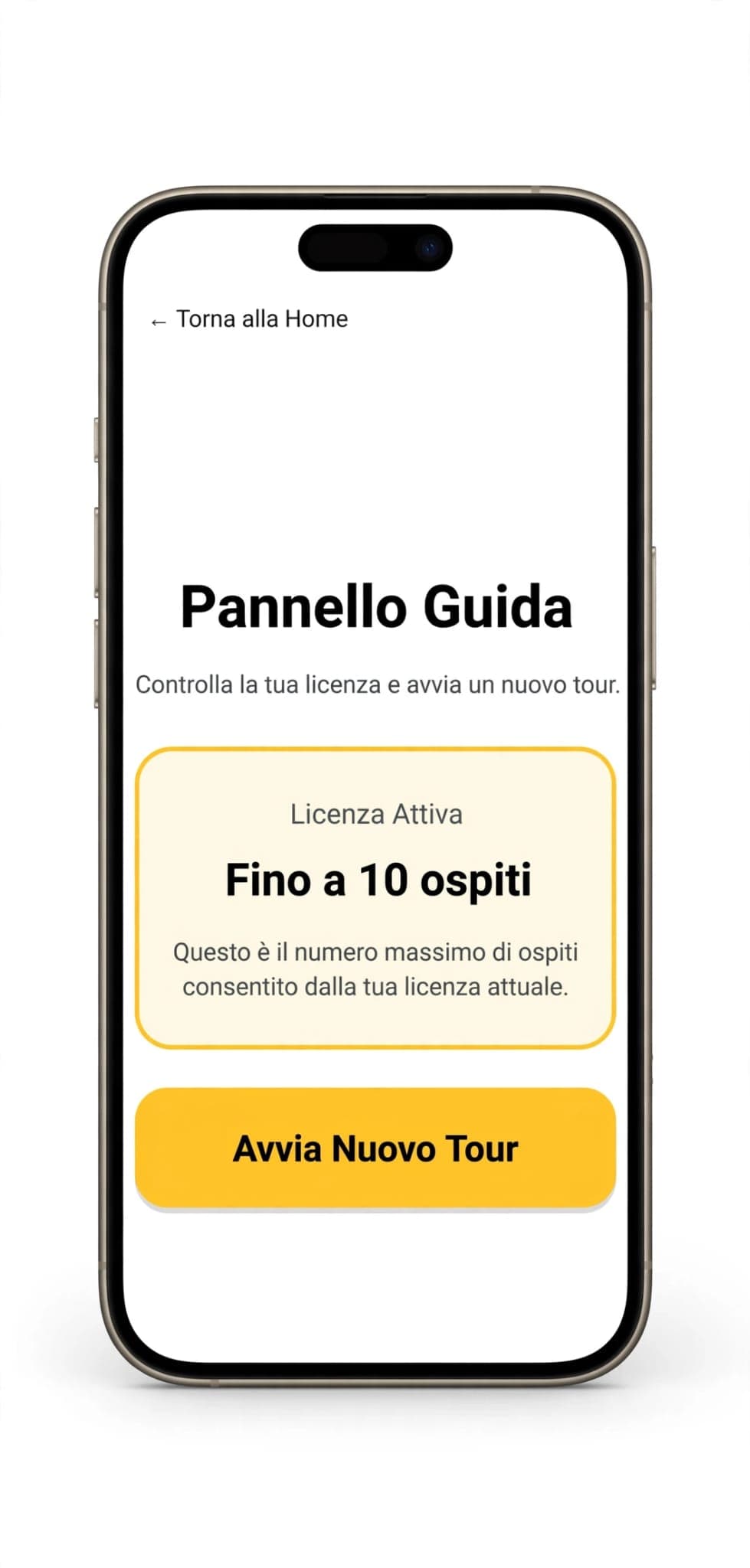
- Press Start New Tour.
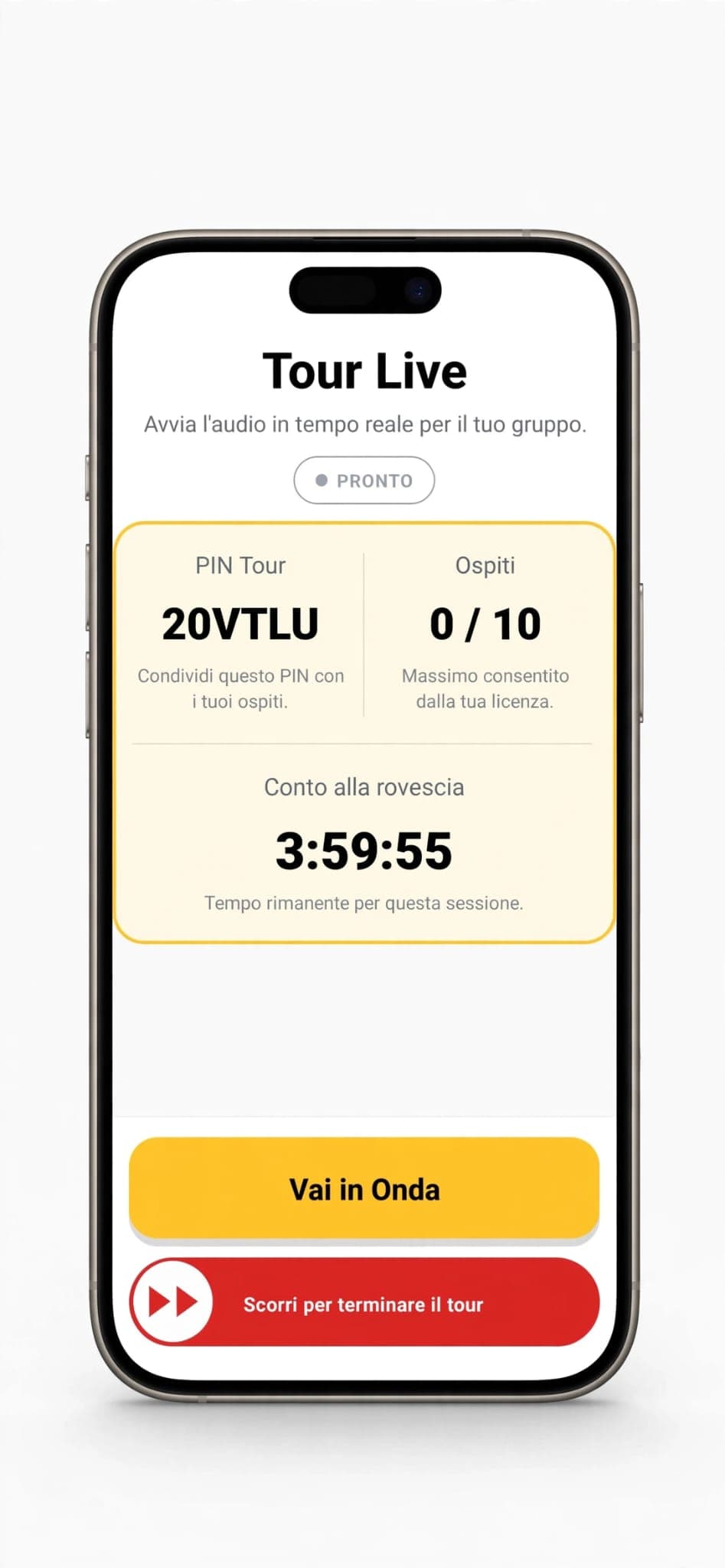
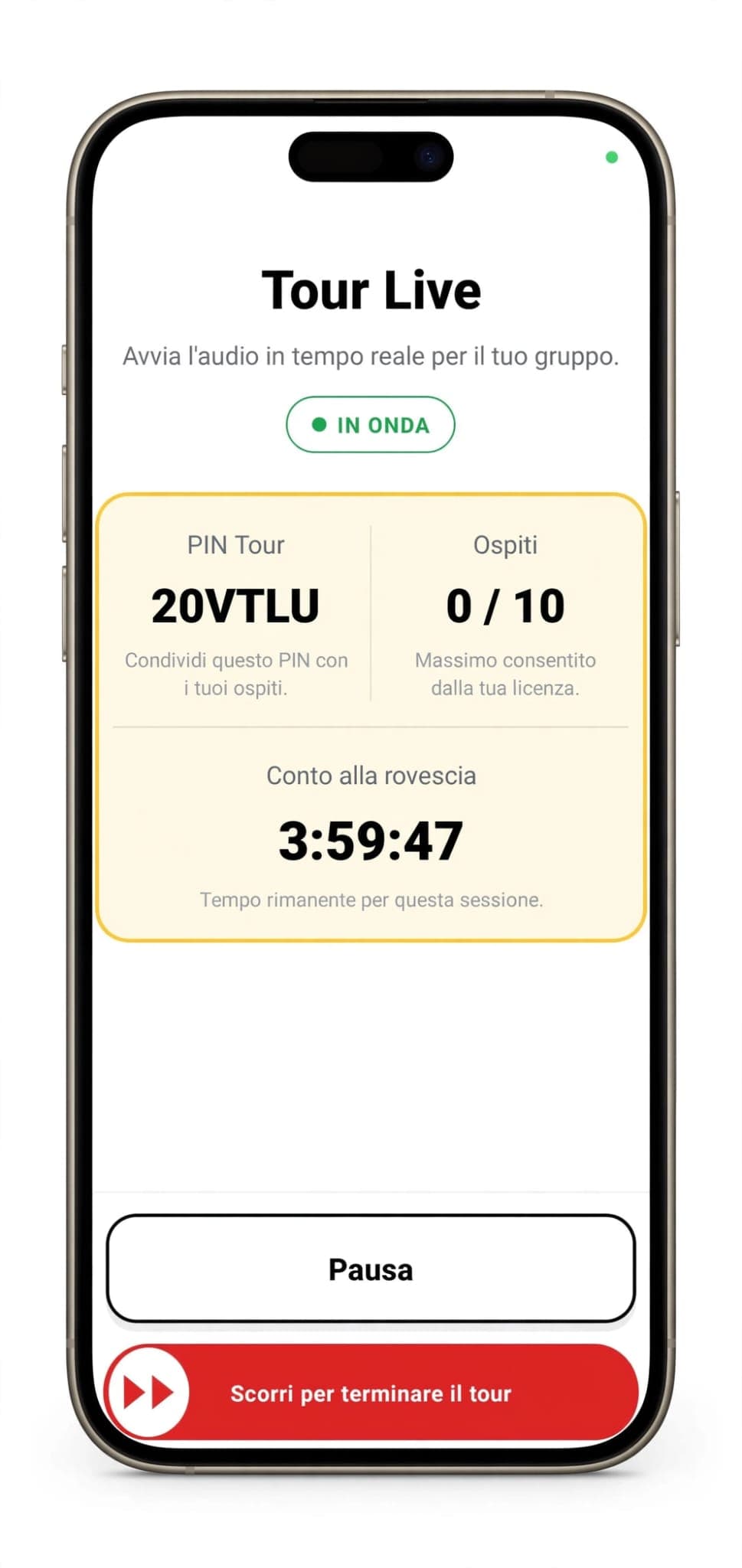
- In the Guide Dashboard you'll find the PIN to share with guests and the maximum allowed by your license.
- Press Go Live: the status switches to ON AIR and your voice is transmitted live.
- During break moments you can press Pause.
- You can see connected guests in real time and the session countdown.
- At the end of the tour, slide Slide to end tour: it's a deliberate confirm gesture, not a simple tap, because it disconnects every guest immediately.
How it works for guests
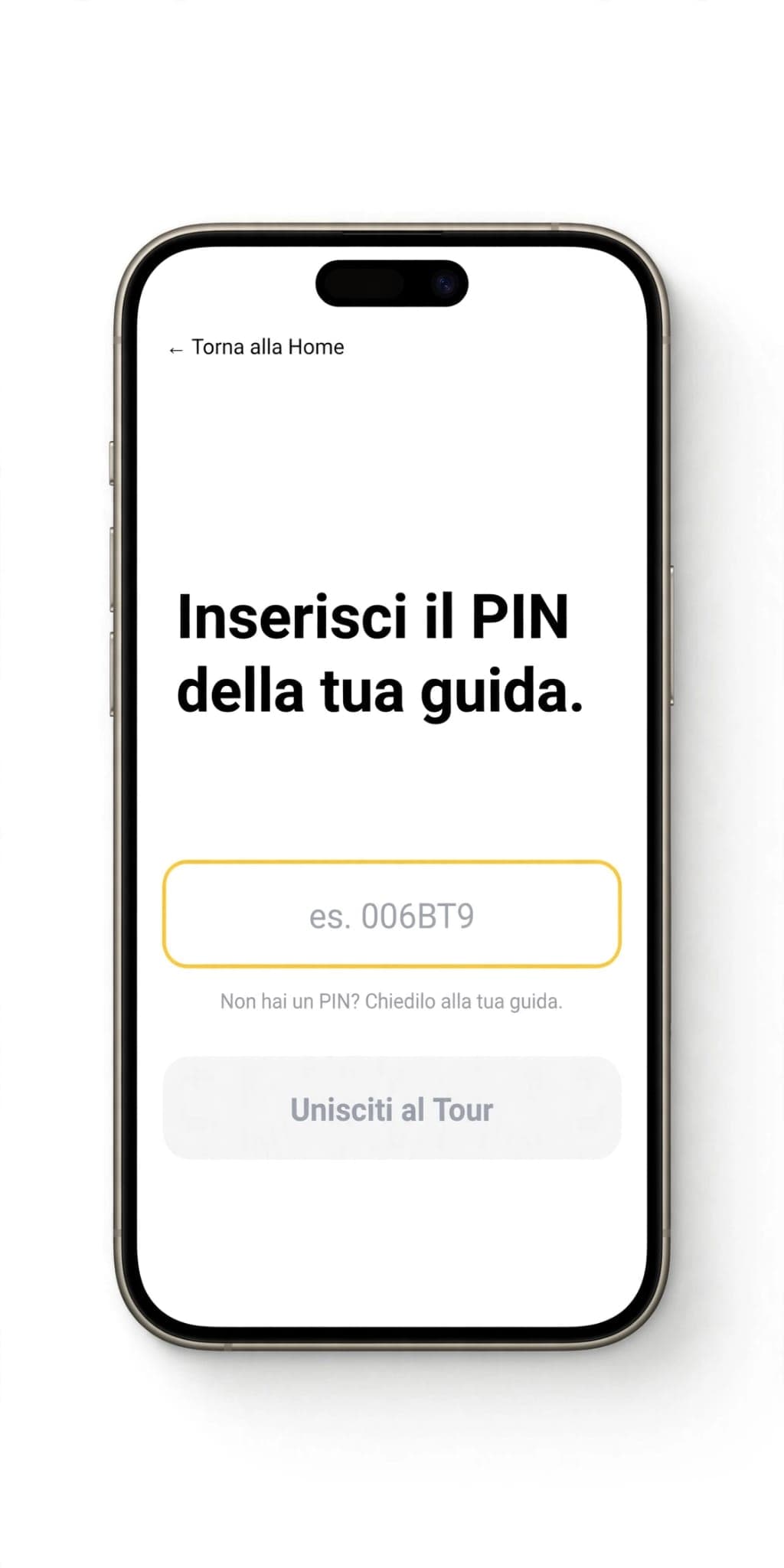
- The guest enters the dedicated area and enters the PIN received from the guide.
- They press Join Tour.
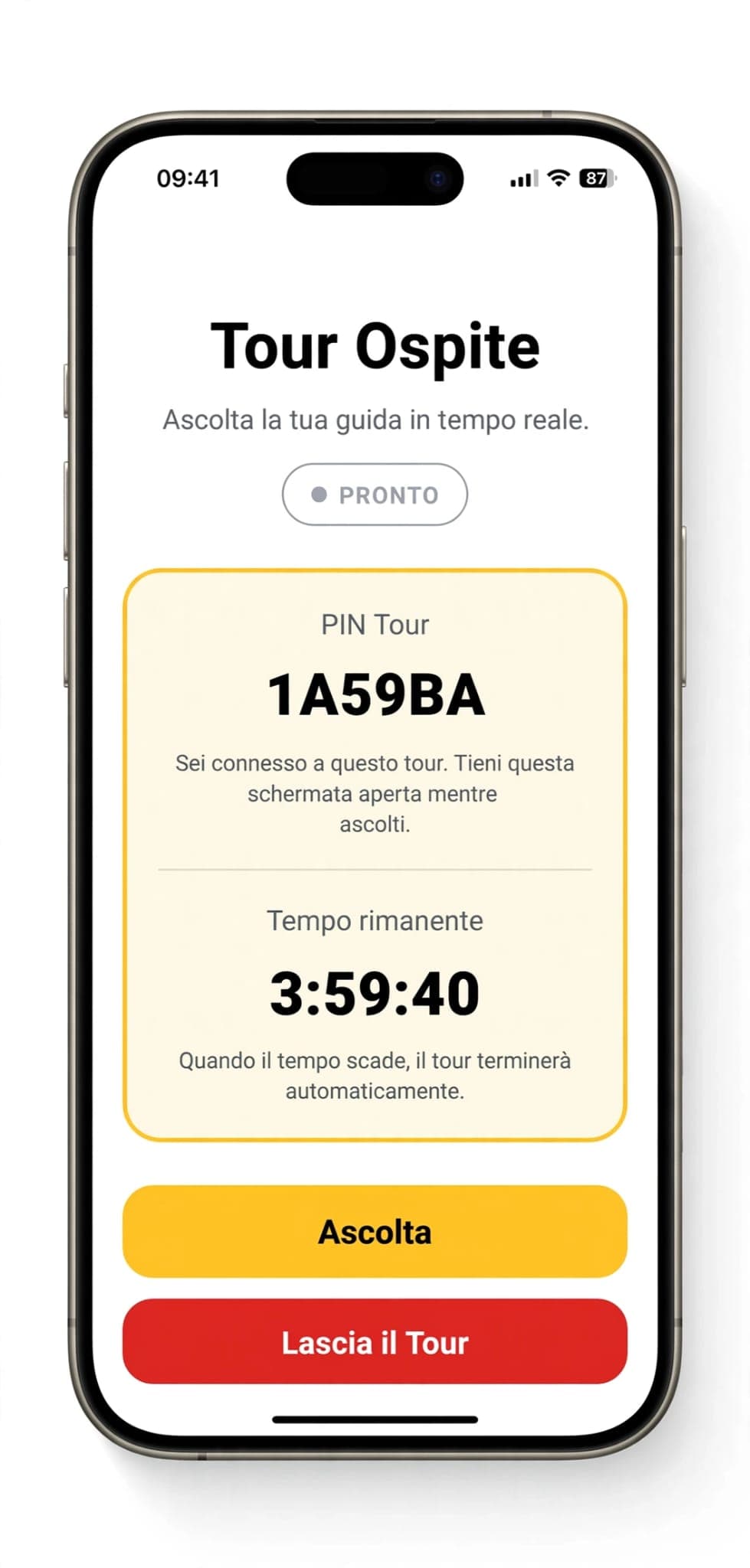
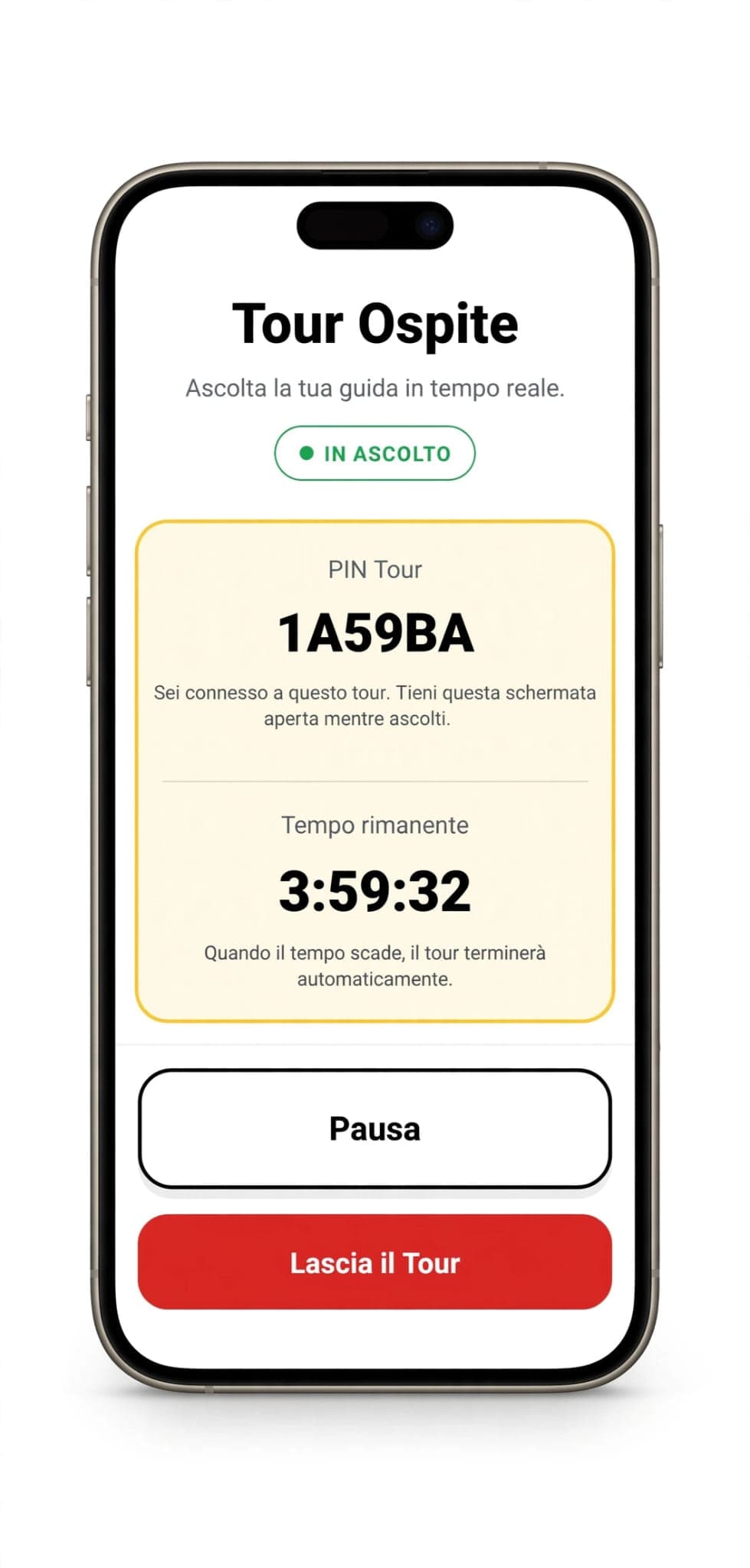
- On the Guest Tour screen they press Listen to start listening in real time.
- If they want to pause, they can use Pause at any time.
- If they want to leave before the end, they press Leave Tour: only they disconnect, the tour continues for everyone else.
Guide screens
The main screens of guide mode, from initial setup to live broadcasting.
Guest screens
Quick access, PIN connection and real-time listening directly from the smartphone.
Note: some screens may vary depending on the app version.