
← Back to the blog
Guided tours for senior groups: how to make sure everyone hears you
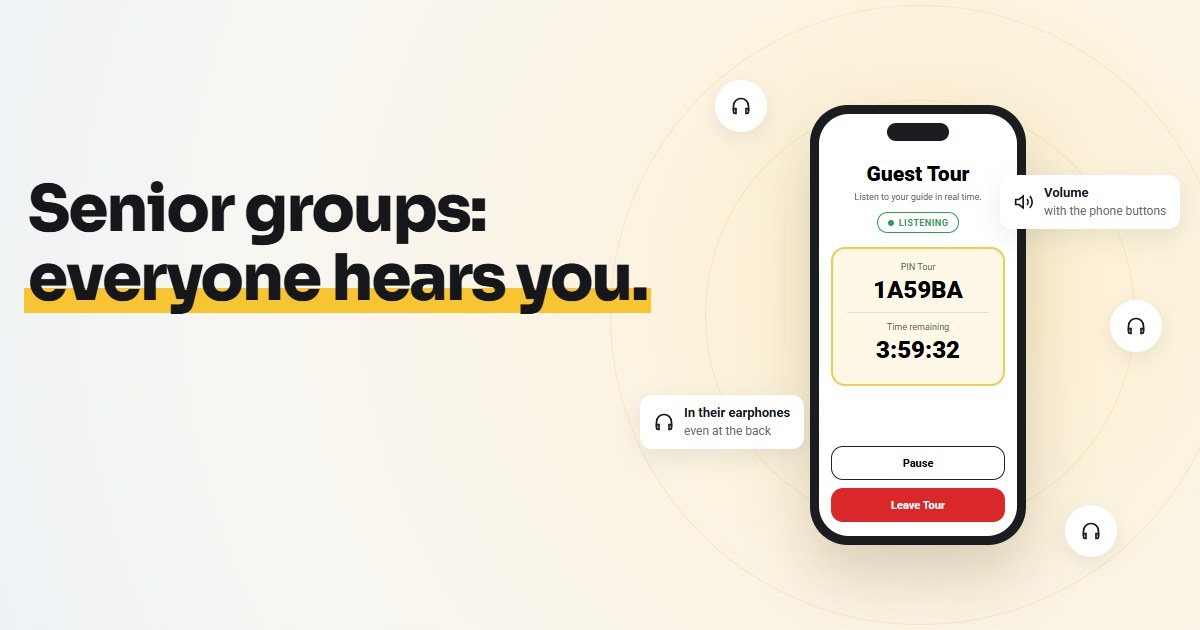
Senior groups are among the most rewarding to guide: curious, attentive, often very well read on the history of the place. They are also the groups where being heard is hardest. The group stretches out, some people sit down at the first chance, others hear less well and, rather than ask you to repeat, simply give up.
This guide collects practical tips for guiding a group of over-70s without leaving anyone behind: how to prepare them beforehand, what to do at the meeting point and how to manage the pace during the tour. Many of them apply whatever equipment you use; some are about smartphone audio, which has clear advantages with this audience but also needs a little more preparation.
Why being heard is harder with seniors
- Hearing changes with age. High-pitched sounds go first, along with the ability to pick out a voice in background noise. In a square with traffic, church bells or other groups, the guide's voice blends into everything else.
- The group stretches out. Everyone walks at their own pace: after ten minutes on foot there can be thirty metres between the first and the last. Whoever arrives last misses the start of every explanation.
- Standing close together is tiring. To hear, people have to crowd around the guide, but someone who is tired would rather sit on the bench ten metres away.
- Not everyone asks you to repeat. Out of discretion, or so as not to be a bother, people who didn't hear often say nothing. You only notice when they stop following you.
Raising your voice doesn't help much: after an hour you're out of breath and the noise problem is still there. The solution is to bring your voice straight into everyone's ears.
Before the tour: prepare the group
With a senior group, the most important work happens the day before.
Involve whoever organised the trip
Groups of over-70s usually come through someone: a club, a parish, a university of the third age, an agency, a son or daughter who booked for their parents. That person is your ally. Send them the instructions in good time and ask them to pass them on to the group, or better still to help the less confident ones get ready.
Send the preparation link
If you use VoiceGuide AirLink, there's a page made just for this: voiceguideapp.com/join. It explains to guests in three steps what to do (download the free app, bring earphones, wait for the guide's PIN) and opens automatically in the language of their phone. You can send it straight to WhatsApp from the page itself.
You can't send the PIN in advance, because it only exists once you start the tour. But if the app is already installed at home, calmly and on Wi-Fi, all the guest has to do at the meeting point is type six characters. That's the difference between starting in five minutes or in twenty.
Recommend the right earphones
This is the detail that makes the biggest difference. In your message to the group, write clearly "please bring your own headphones or earphones", and if you can, add a few tips:
- Headband headphones or wired earphones are the simplest. Plug them in and they work: no batteries to charge, no pairing.
- Two ears are better than one. With an earbud in each ear the voice sounds louder and street noise stays out.
- Bluetooth earbuds are perfectly fine, as long as they're charged and already paired with the phone before leaving home.
- Hearing aids. Many recent hearing aids connect to the phone via Bluetooth, just like a pair of headphones. In that case your voice goes straight into the hearing aid, with nothing else to wear. People who have one usually already know how (it's the same connection they use for phone calls).
Also suggest starting out with a charged phone. Listening live uses about as much battery as a phone call.
At the meeting point: a quarter of an hour's head start
Arrive a few minutes early and allow a quarter of an hour to get everyone connected. With a young group five minutes is enough; with seniors it's better not to rush.
- Write the PIN in large letters. A sheet of paper or a sign with the PIN in capitals (for example 1A59BA) saves you repeating it twenty times. Characters are easier to read than to catch by ear.
- Explain once, out loud: "Open the app, tap Guest, type the PIN and tap Join Tour. Then tap Listen."
- Get help. Almost every group has someone more tech-savvy, or a companion. Ask them to help their neighbours: it's faster and puts everyone at ease.
- Watch the counter. On your phone you can see how many guests have connected. When the number matches the group, you're ready to go.
- Do a sound check. Tap Go Live, say a few words and ask everyone who can hear you to raise a hand. Then ask anyone who can't hear you to come over: it's usually an earphone that isn't plugged in or the volume turned too low.
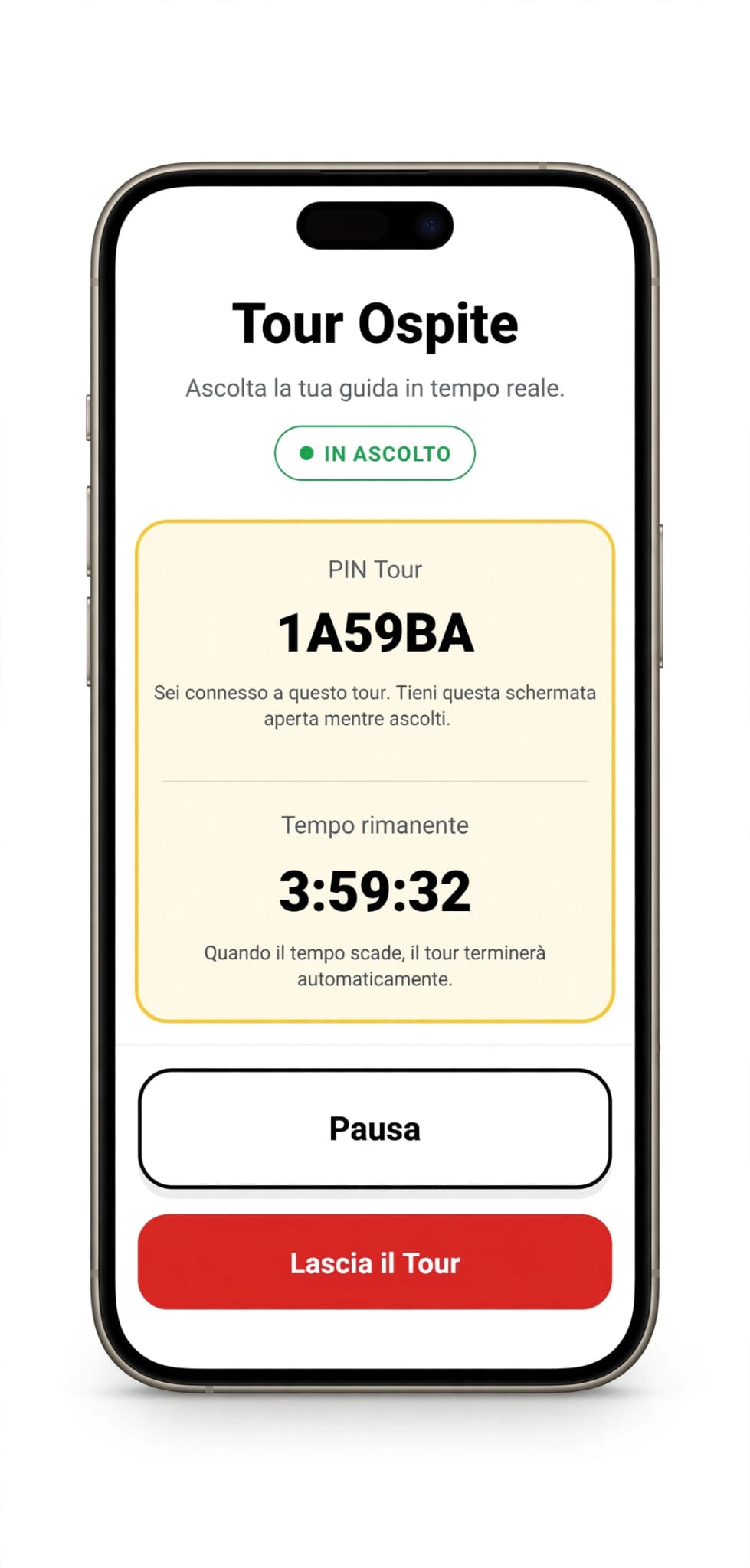
One thing to tell everyone straight away: the volume is adjusted with the side buttons of the phone, just like during a call. It sounds obvious, but it's the question you'll be asked most often.
During the tour: pace, breaks and position
Speak more slowly, not more loudly
With the audio in their ears there's no need to raise your voice: in fact, speaking normally sounds better. What really helps is pace: short sentences, a pause between one idea and the next, names and dates repeated twice. Keep the phone at the same distance from your mouth, so the volume stays steady.
Let tired guests sit down
This may be the biggest advantage with this audience. If they hear you in their earphones, guests don't have to crowd around you: whoever is tired can sit on the bench or the step in the shade and keep listening. Nobody has to choose between resting and following the explanation.
Keep talking while you walk
The walk between one stop and the next doesn't have to be wasted time. Those who fall behind can still hear you, because the audio travels over the internet and has no distance limit: you can introduce what you're about to see, or tell an anecdote. It also helps you keep the group together: "We'll turn right after the pharmacy" reaches the people thirty metres behind too.
A small tip: distance
The voice in the earphones arrives with a slight delay, usually around a second. Someone standing right next to you may hear both your live voice and the one in their earphones, with a slight echo effect. It's not a problem, but with seniors it's worth explaining: just stand a few steps away from the guide, or keep earphones in both ears, and the echo disappears.
Take real breaks
Every 30-40 minutes plan a seated stop, near a restroom if possible. Use it to ask: "Can everyone hear me well?". Anyone who had a problem with the audio will tell you more readily one-to-one than in front of everyone.
Small hiccups and how to fix them
- "I can't hear anything anymore." Most of the time the guest has tapped Pause by mistake: just tap Listen. Or the earphone has come unplugged, or the volume is all the way down.
- "I closed the app." Reopen the app, tap Guest and enter the same PIN again.
- "Can I put the phone in my pocket?" Yes: listening continues even with the screen off. It's one of the most frequent questions, so it's worth saying right away.
- A guest doesn't have a smartphone. They can stay close to you and listen live, or share an earbud with their partner or a friend.
- A guest's phone is running out of battery. A small power bank in the guide's backpack almost always solves it.
- There's no signal. The app needs a small data connection. If the tour includes underground areas or places with no coverage, warn the group: in those stretches you go back to your live voice, or to radio sets if you have them.
Checklist for a group of over-70s
The day before
- Instructions and the voiceguideapp.com/join link sent to the organiser and to the group
- Everyone reminded: headphones or earphones, charged phone
- License ready, with a little margin on the number of guests
At the meeting point
- 15 minutes to get everyone connected
- PIN written in large letters on a sheet
- A couple of "helpers" in the group
- Sound check: raised hands, guest counter, volume with the side buttons
During the tour
- Short sentences and pauses, phone always at the same distance from your mouth
- Tired guests sit down and keep listening
- A seated break every 30-40 minutes
- Power bank in the backpack
If it's your first time using the app, you'll find every step in this guide to your first tour. And if you need a ready-made message to send the group, there's one in the article on how to save the tour when the radio sets are missing.
Try VoiceGuide AirLink with your next group: sign up with your email and get 3 free tours for 5, 25 and 35 guests. The codes never expire.